Wallet guide
Bitcoin Core
Advanced importBitcoin Core's importprivkey RPC works only with a legacy wallet. Descriptor wallets do not accept this command, and rescanning may take a long time.
- 01
Use a legacy wallet
Create or select a legacy wallet. Do not disable private keys. Descriptor wallets intentionally reject importprivkey.
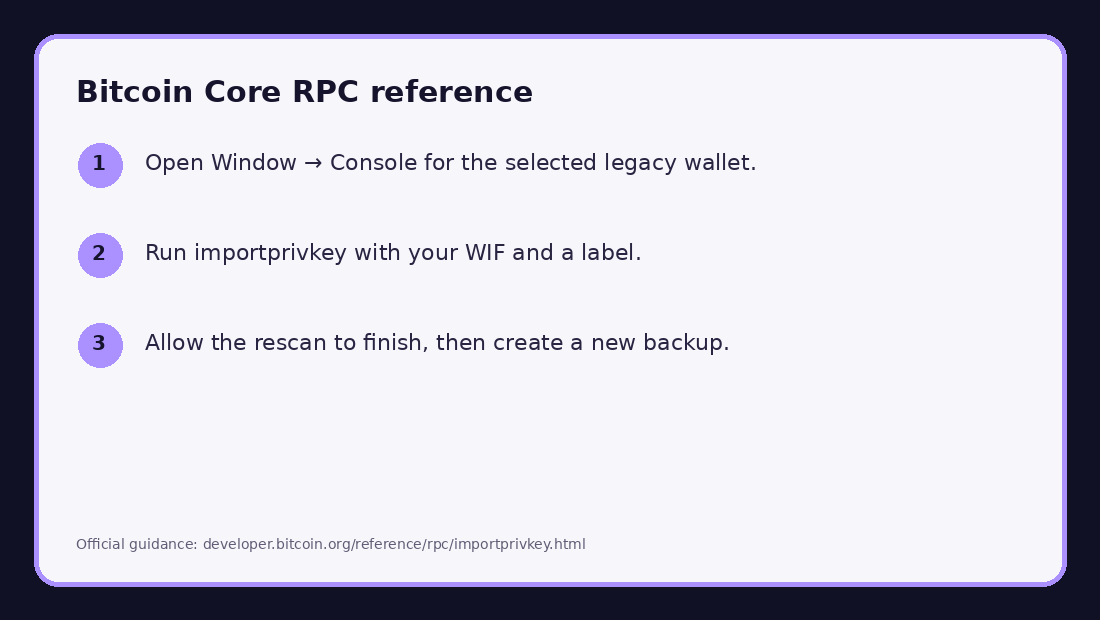
Annotated official screenshot or documented workflow. Interface labels may vary by version. No real private key is shown. - 02
Import in the console
Open Window → Console and select the correct wallet. Run importprivkey "YOUR_WIF" "vanity" true. Never copy the WIF into a website or chat.
- 03
Wait and back up
The rescan may take more than an hour. After the address appears, create a new encrypted wallet backup because the old backup does not contain the imported key.
After the transfer
- Confirm that the destination wallet shows the transaction and can generate a new receive address.
- Do not send additional funds to the vanity address after sweeping it.
- Keep the destination wallet seed backup offline. Do not retain screenshots or clipboard history containing the WIF.
- For a direct import, send the full balance to a fresh seed-backed wallet when practical.
Bitcoin Core RPC — importprivkey