Wallet guide
Ledger
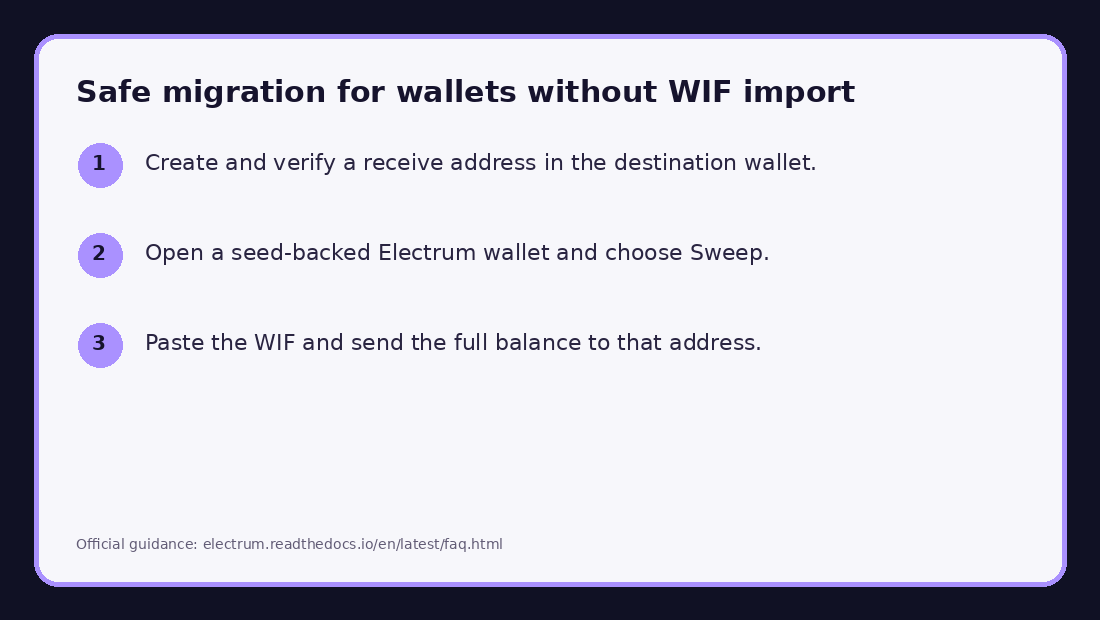
Migration requiredLedger devices do not import loose WIF keys. Receive to an address verified on the hardware device, then sweep the vanity key into it.
- 01
Create a Bitcoin account
In Ledger Wallet, add a Bitcoin account connected to your genuine Ledger device.
Annotated official screenshot or documented workflow. Interface labels may vary by version. No real private key is shown. - 02
Verify a receive address
Choose Receive and compare the entire address shown by the app with the address on the Ledger device. Trust the hardware-device display.
Annotated official screenshot or documented workflow. Interface labels may vary by version. No real private key is shown. - 03
Sweep into Ledger
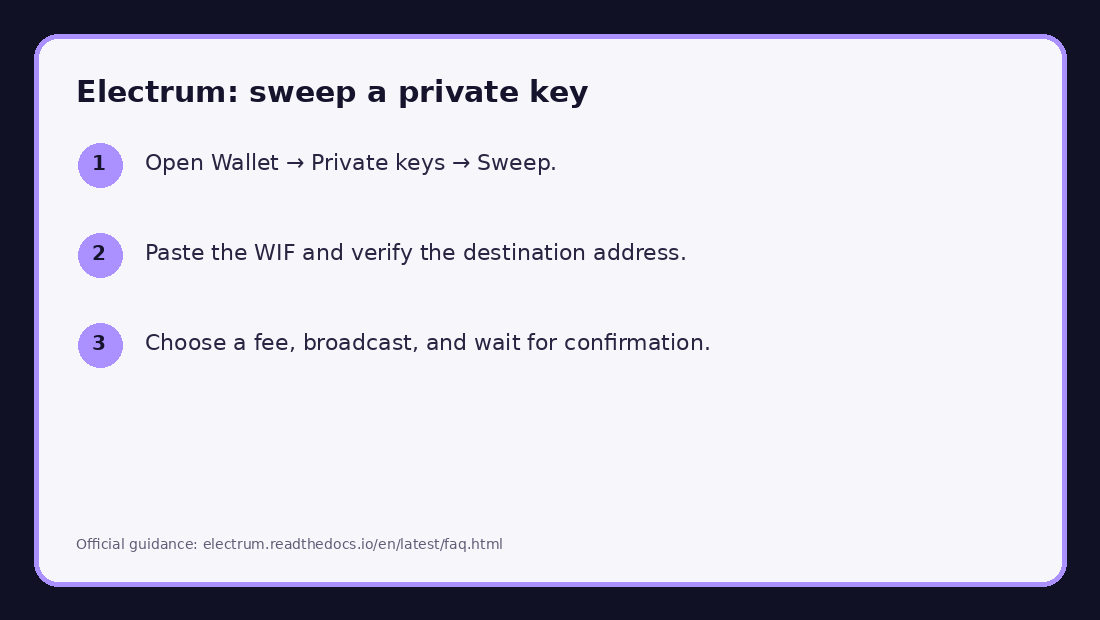
Use Electrum's sweep tool with the vanity WIF and the verified Ledger address as the destination. Confirm receipt after the transaction confirms.
After the transfer
- Confirm that the destination wallet shows the transaction and can generate a new receive address.
- Do not send additional funds to the vanity address after sweeping it.
- Keep the destination wallet seed backup offline. Do not retain screenshots or clipboard history containing the WIF.
- For a direct import, send the full balance to a fresh seed-backed wallet when practical.
Ledger Support — receive crypto assets
Electrum sweep guidance