Wallet guide
Sparrow
Sweep recommendedUse a seed-backed Sparrow wallet as the destination, and sweep the loose vanity key rather than preserving it as part of your long-term setup.
- 01
Prepare Sparrow
Create or open a software wallet in Sparrow and confirm its seed backup.
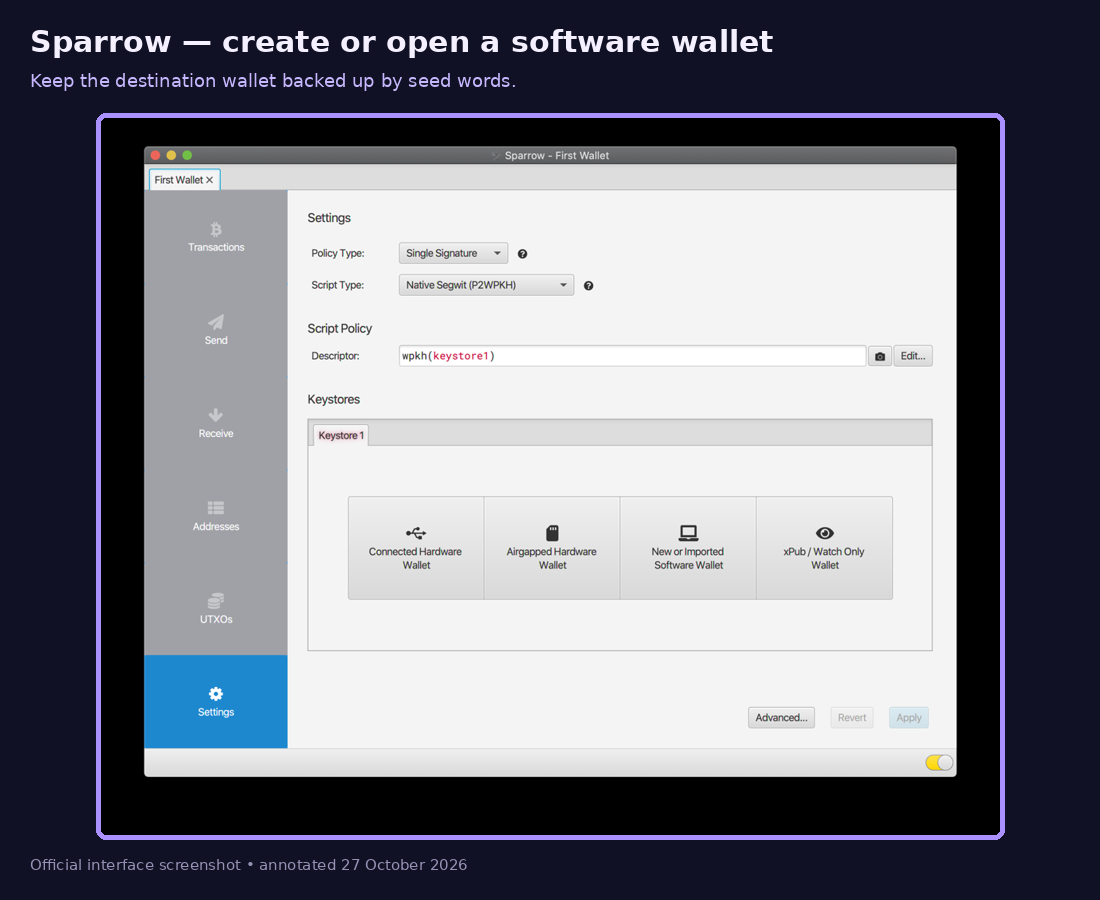
Annotated official screenshot or documented workflow. Interface labels may vary by version. No real private key is shown. - 02
Copy a fresh receive address
Open Receive, add a useful label, and verify the complete address in Sparrow.
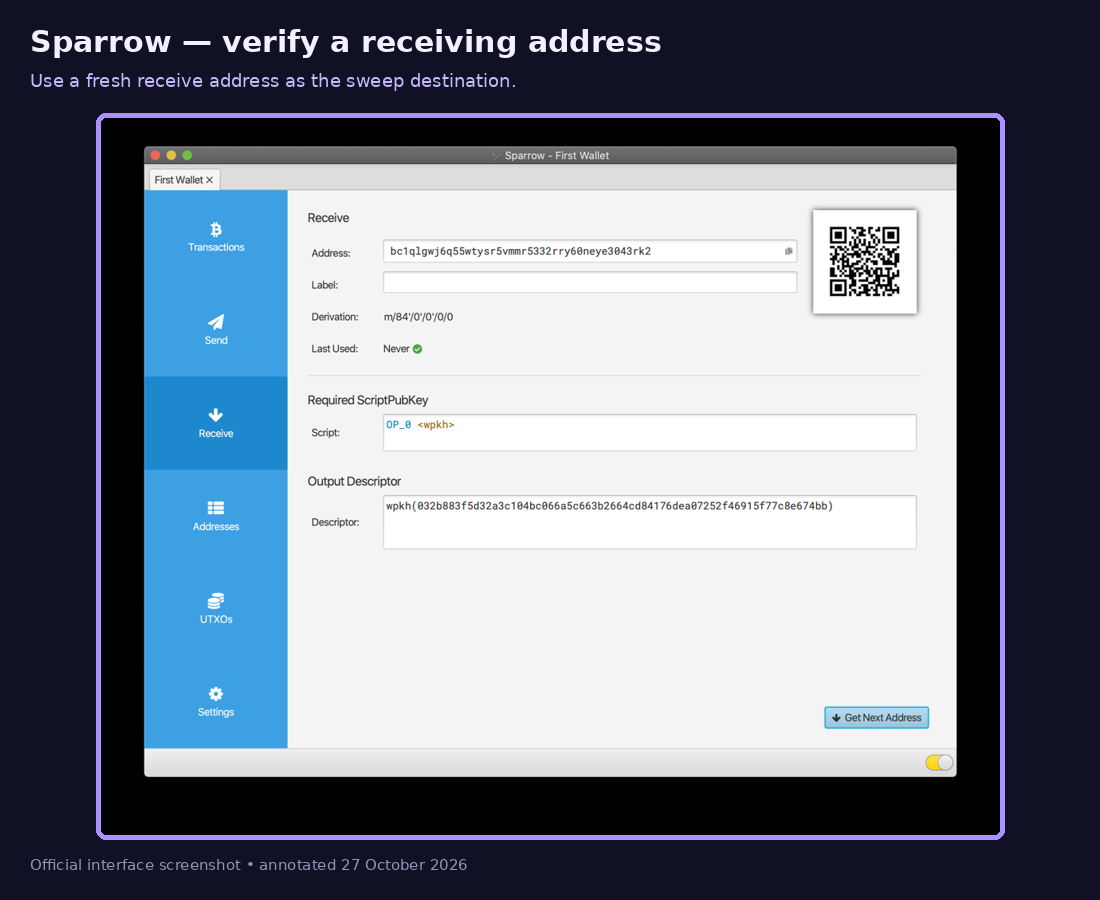
Annotated official screenshot or documented workflow. Interface labels may vary by version. No real private key is shown. - 03
Sweep to Sparrow
Use Electrum's Wallet → Private Keys → Sweep flow with your WIF, replacing the destination with the verified Sparrow receive address.
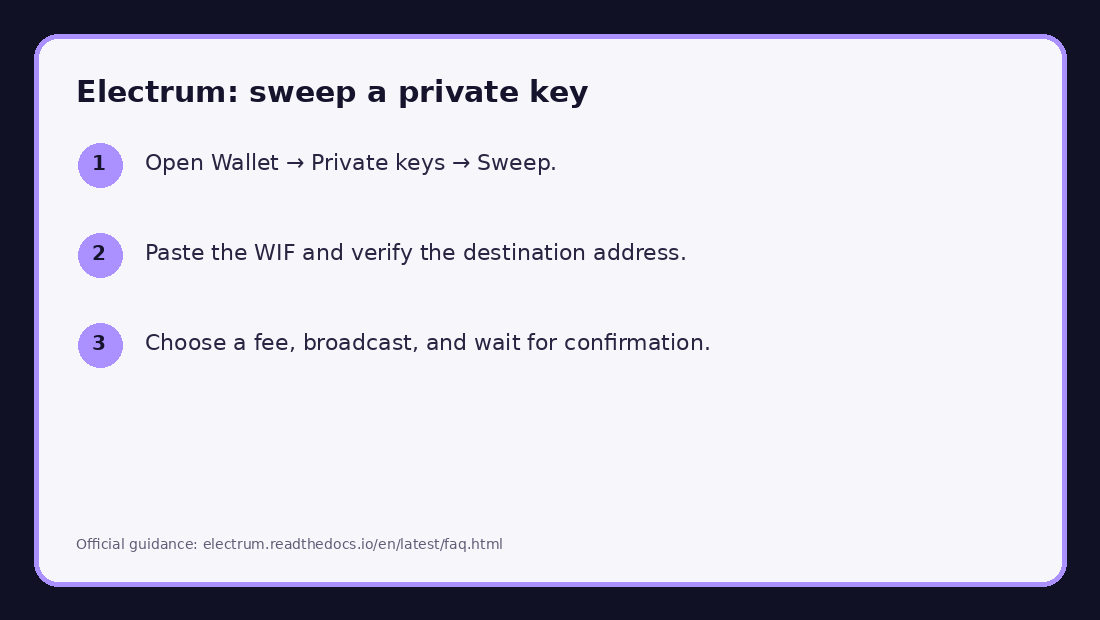
Annotated official screenshot or documented workflow. Interface labels may vary by version. No real private key is shown.
After the transfer
- Confirm that the destination wallet shows the transaction and can generate a new receive address.
- Do not send additional funds to the vanity address after sweeping it.
- Keep the destination wallet seed backup offline. Do not retain screenshots or clipboard history containing the WIF.
- For a direct import, send the full balance to a fresh seed-backed wallet when practical.
Sparrow Wallet — Quick Start
Electrum sweep guidance